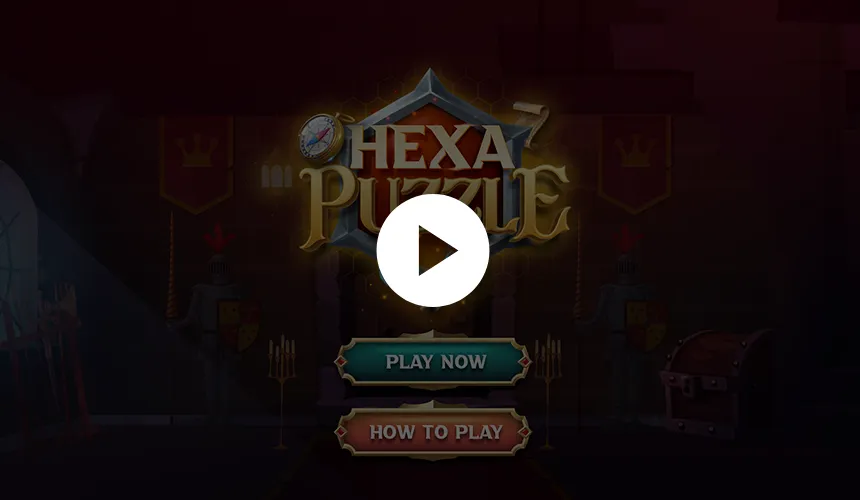
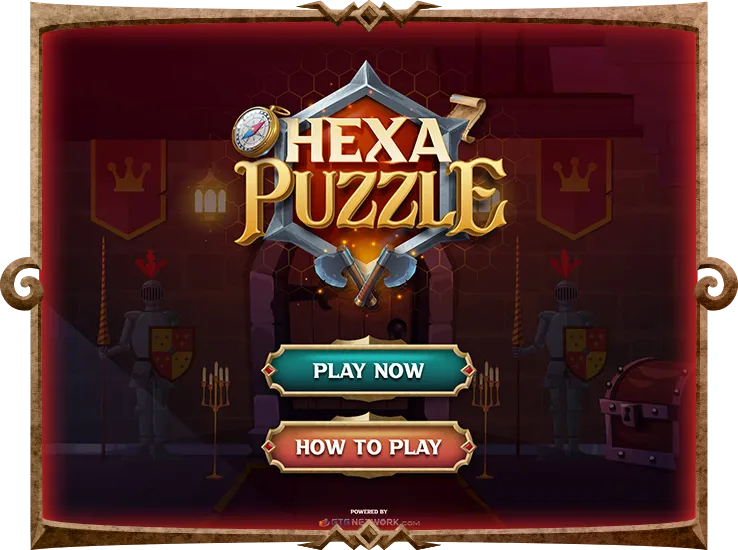
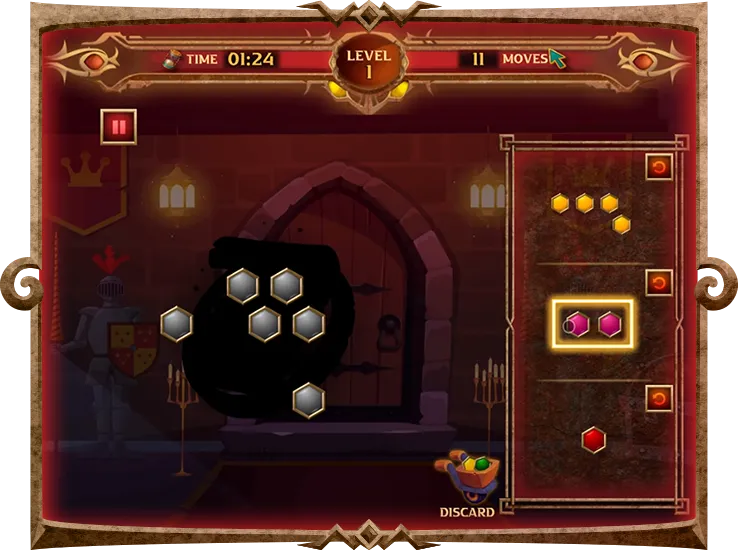
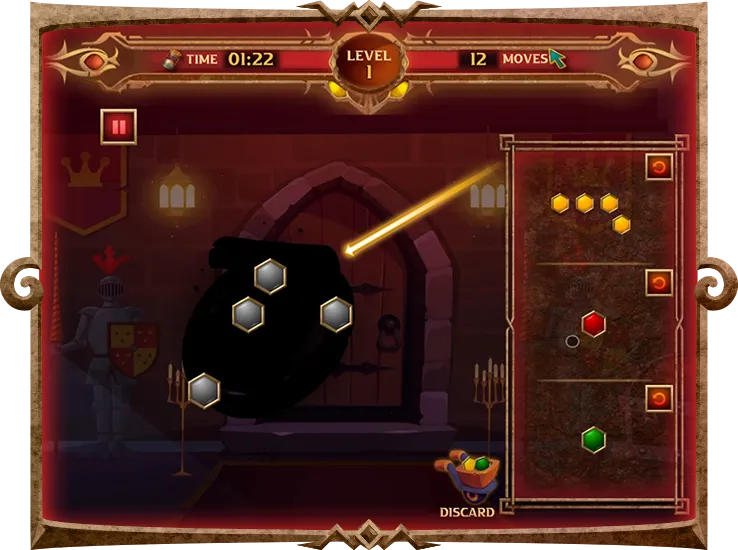
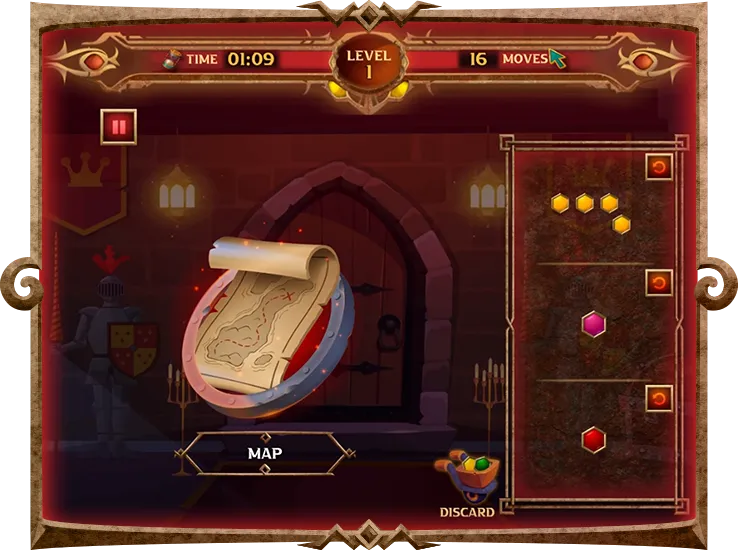
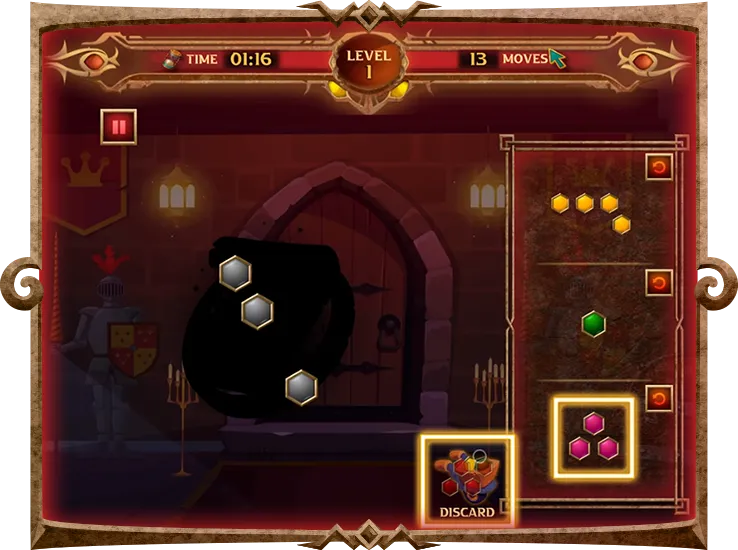
HexaPuzzle is a captivating puzzle game that challenges players to strategically fit uniquely shaped hexagonal pieces into a dynamic frame. Inspired by Tetris and jigsaw puzzles, players must clear rows to reveal hidden medieval objects within a spinning hexagonal grid.
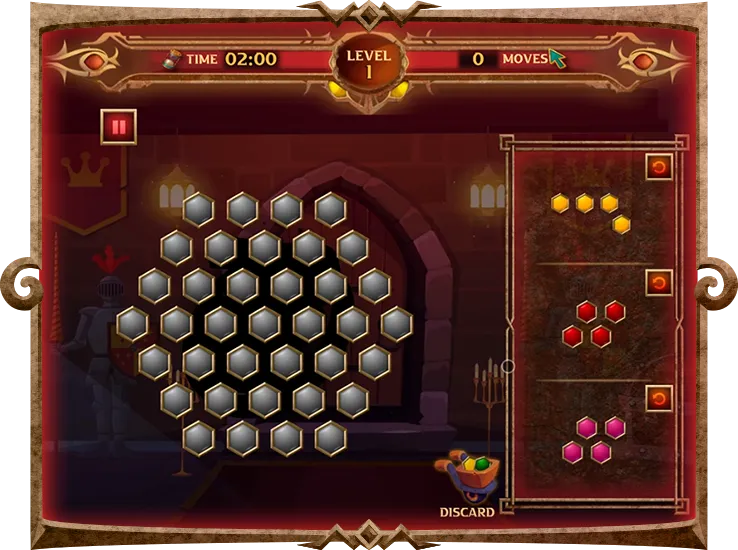
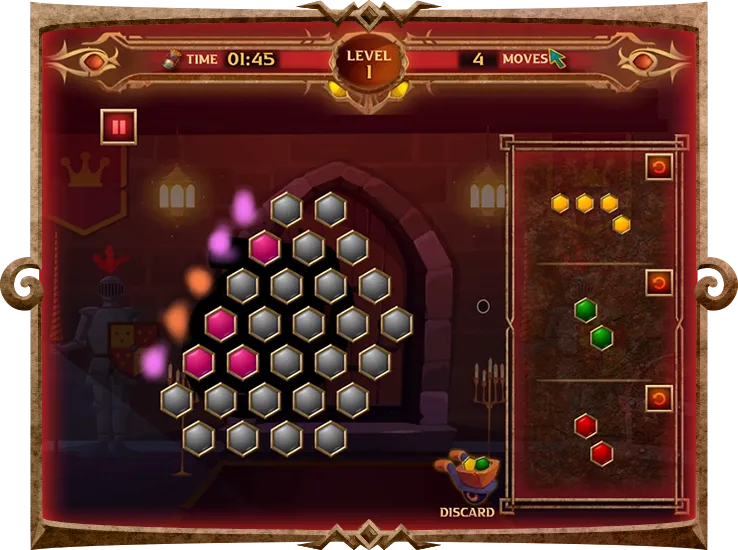
Enter the gameplay screen, where a large rotating hexagonal frame with blank hexagonal shapes awaits.
Place Puzzle Pieces
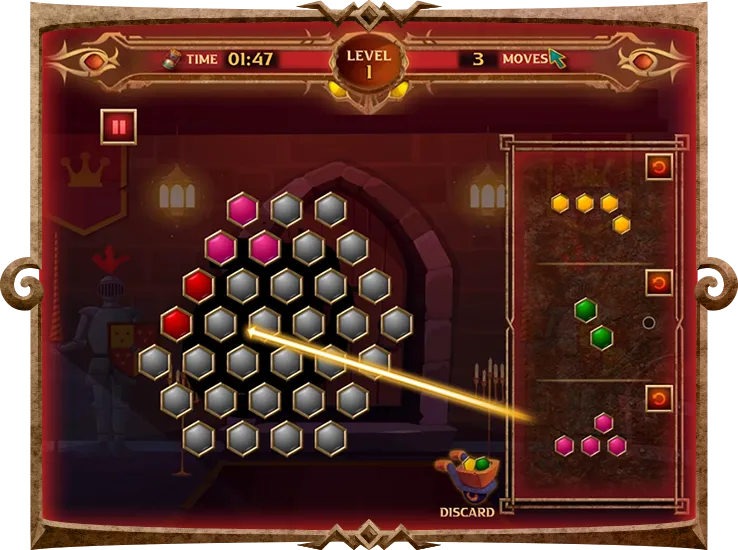
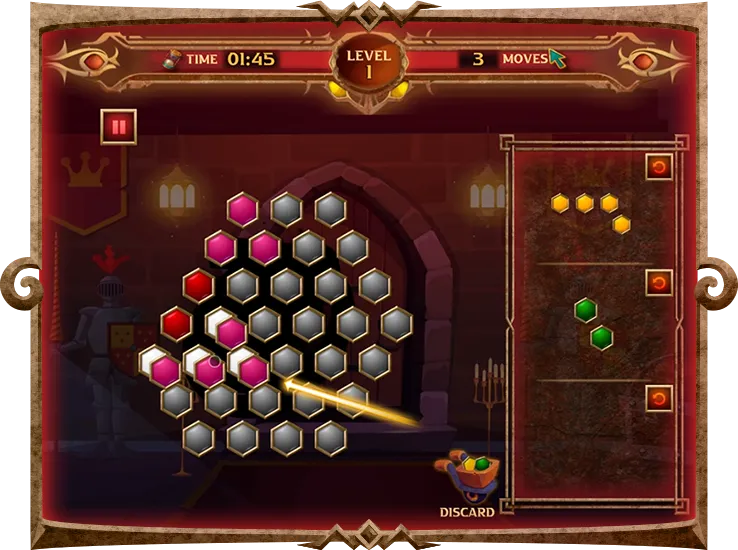
Drag and drop hexagonal pieces onto the grid, strategically positioning them to destroy a row.
Rotate and Discard
Utilize the option to rotate puzzle pieces to match the grid or discard pieces not needed.
Clear Rows
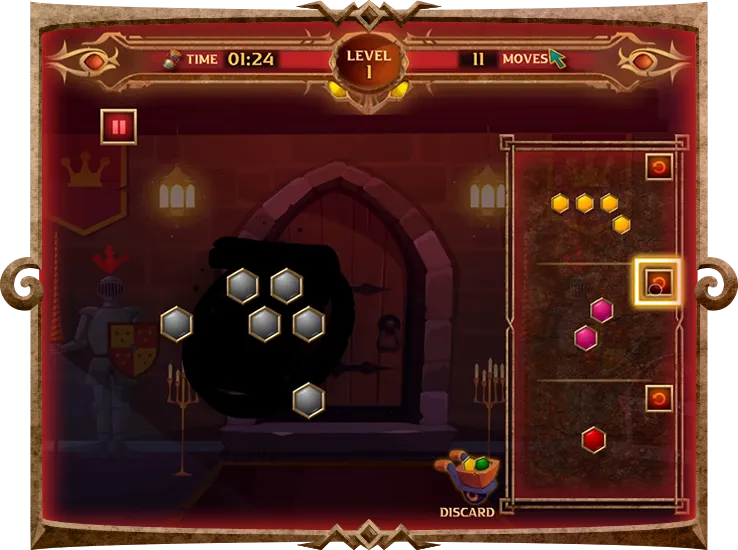
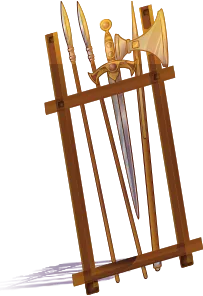
Strategically place pieces to complete rows. When a row is filled, it disappears, revealing part of a hidden medieval object.
Complete the Puzzle
Continue clearing rows until the entire medieval object is revealed.
Discard
Users can use the ‘Discard’ option to get rid of the puzzle pieces. This will make the carousel create a new piece that users can use.
Scoring System
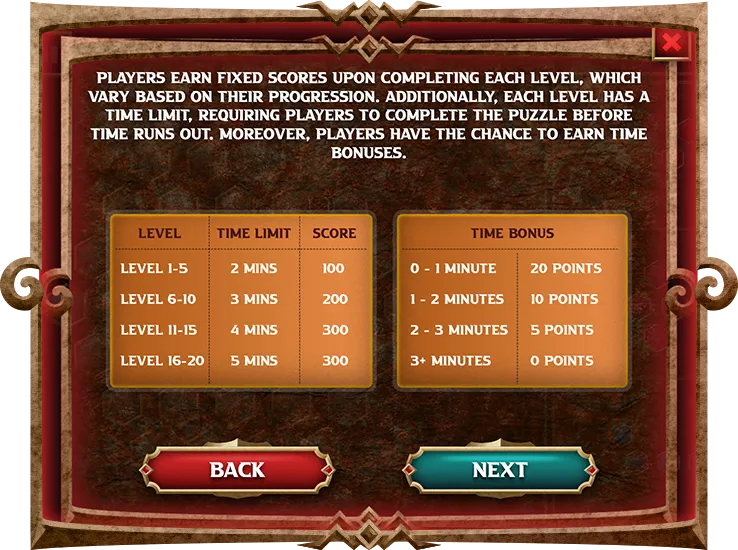
Players earn fixed scores upon completing each level.
Level Completion
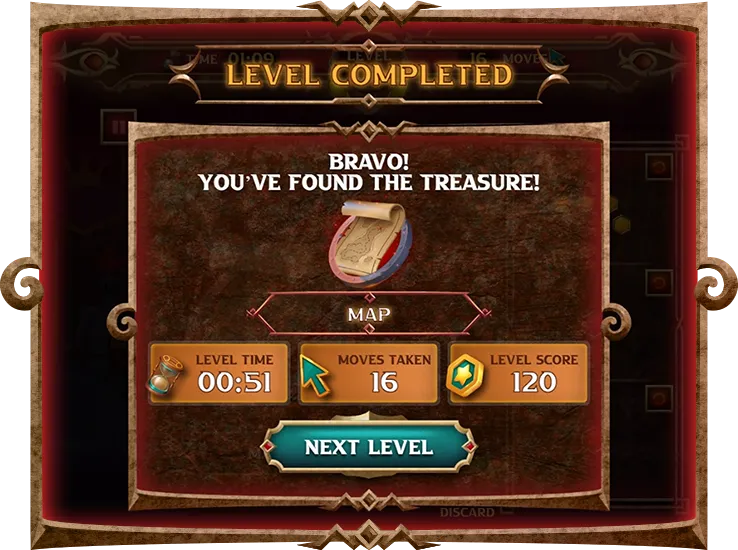
Once all rows are cleared, the level is completed. The game summary of the level completed will appear displaying the Found Treasure, Level Time, Moves Taken, Level Score and the Next Level button.
game expectations
Strategic Puzzle Solving
HexaPuzzle requires strategic thinking to place hexagonal pieces effectively and uncover hidden medieval objects.
Pattern Recognition Challenge
Players must recognize patterns to complete rows and reveal medieval artifacts, adding depth to the gameplay.
Immersive Experience
Enjoy a captivating medieval-themed adventure with easy-to-use controls and stunning visuals.
Gradual Difficulty
Experience increasing challenge levels as you progress, offering a rewarding journey through the game.
Uncover hidden treasures and conquer medieval mysteries in HexaPuzzle! Strategically fit hexagonal pieces, clear rows, and reveal hidden artifacts. Rotate, discard, and strategize your way through levels for a captivating puzzle experience!
Clearing a row reveals a portion of the hidden medieval object and helps progress through the level.
How is the score calculated?
The total score is determined by adding the level completion score and any time bonuses earned.
Can I pause the game?
Yes, you can pause the game at any time by accessing the pause page, where you'll find options to resume, view instructions, or exit the game.
What happens if I run out of time?
If you run out of time before completing the puzzle, the game will display a "Time's up! There's no more time left" message, indicating the end of the current attempt.
Can I replay levels?
Yes, players have the option to replay levels for better scores or to improve their performance. Simply select the play again option from the game summary screen.