

What's the game all about?
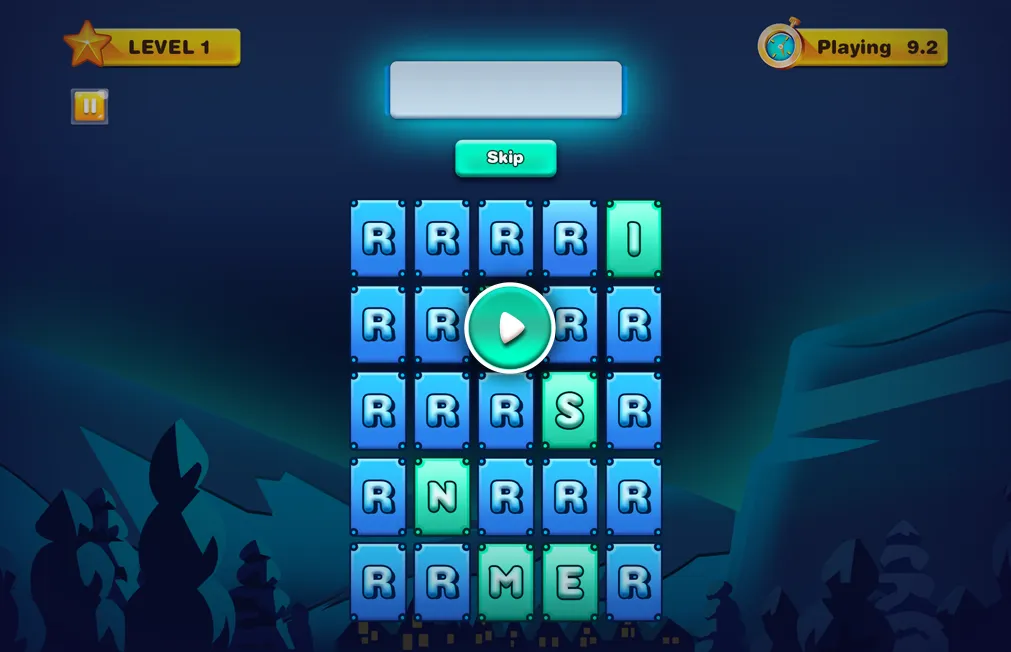
WordR is an engaging word game that tests your memory and word-forming skills. Players are presented with a 5x5 grid containing 10 different letters, which are revealed for 10 seconds before being hidden. The challenge is to familiarize yourself with the letters and form words within a time limit while avoiding bombs to progress through levels.
HOW IT WORKS
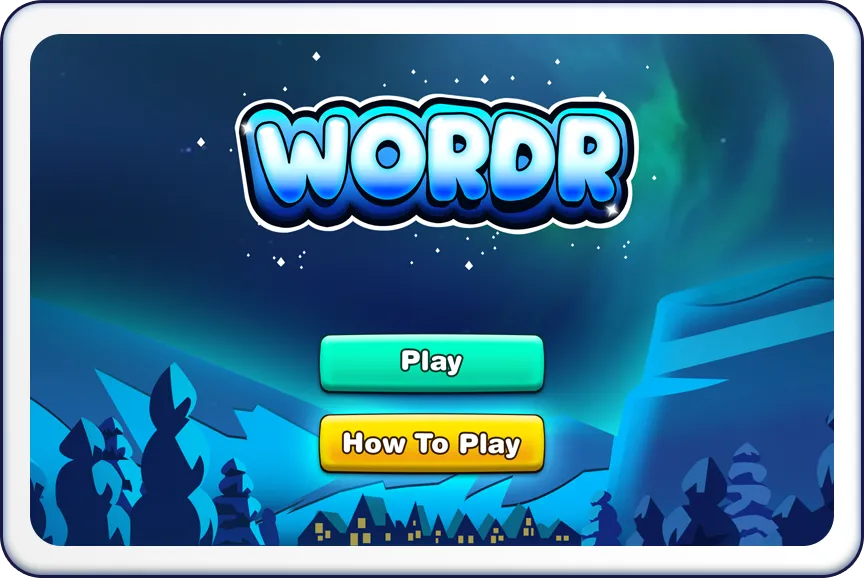
- Launch WordR and select "Play".
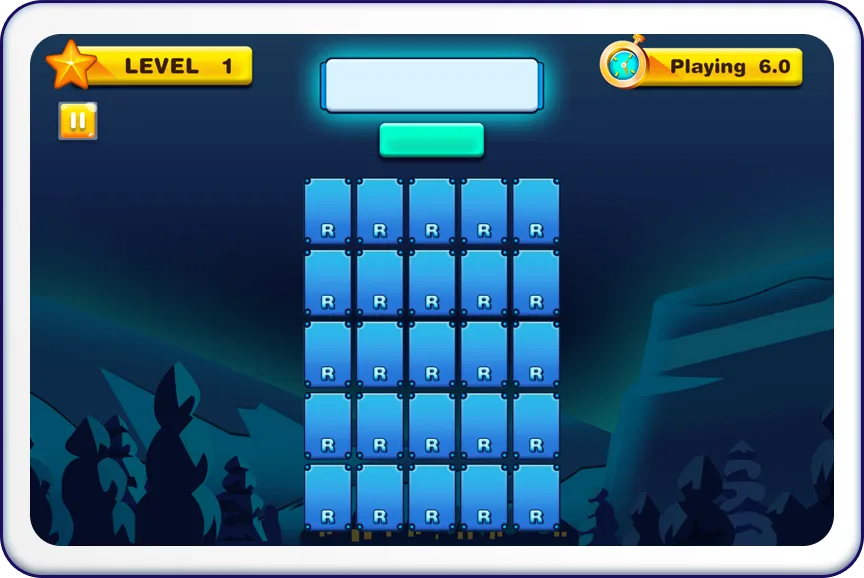
- Observe the 5x5 grid displaying 10 different letters in a total of 10 seconds.



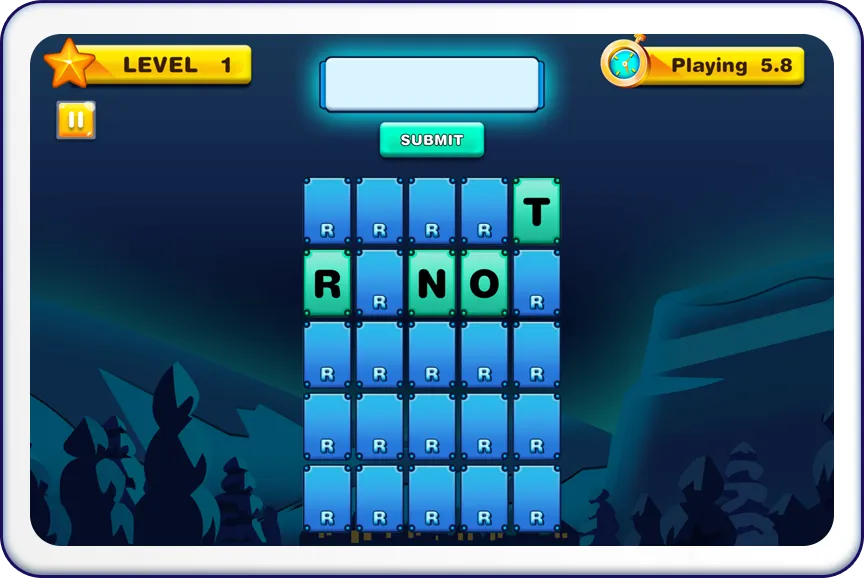
- Tap and select the letters to form words with a minimum of 3 letters.
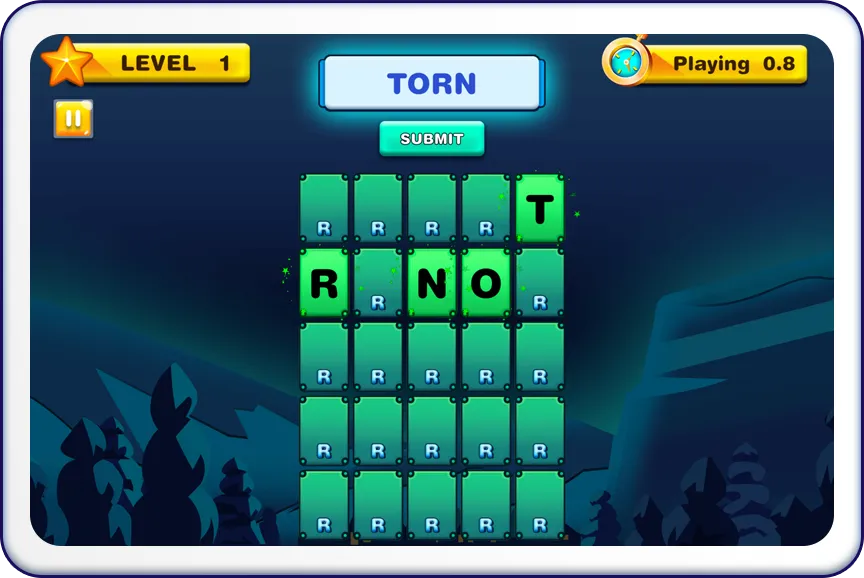
- Click on the button to submit your word.
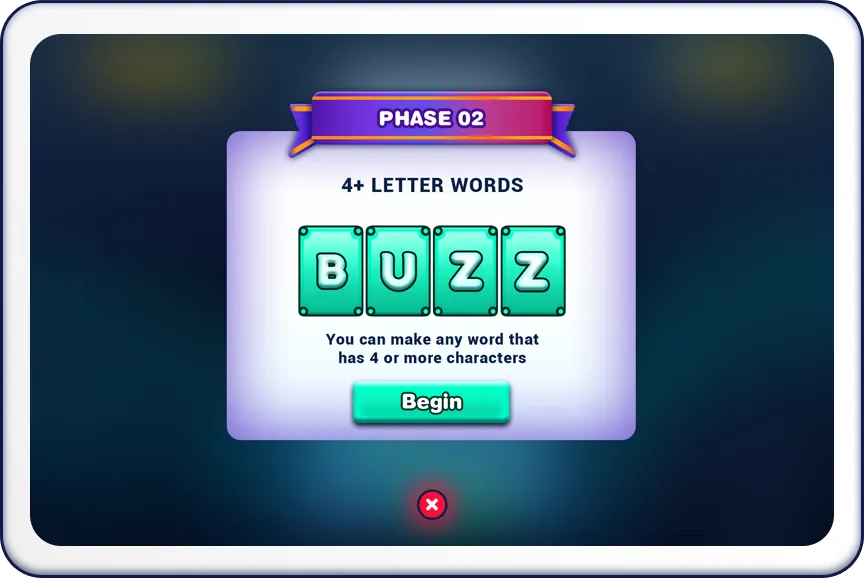
- Clear words to earn points and progress through levels. Each level increases in difficulty.
- After completing the 10 levels, you will move on to phase 2, which requires a minimum of 4 letters in a word.

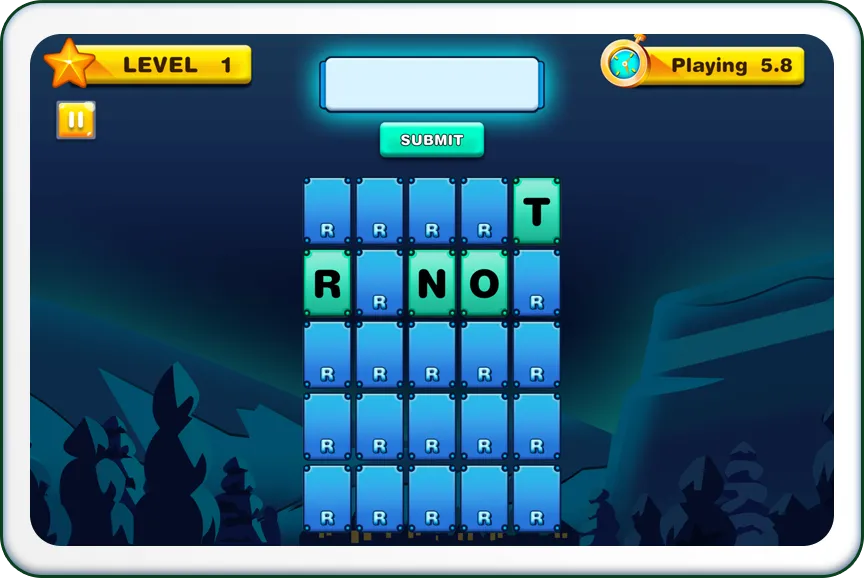
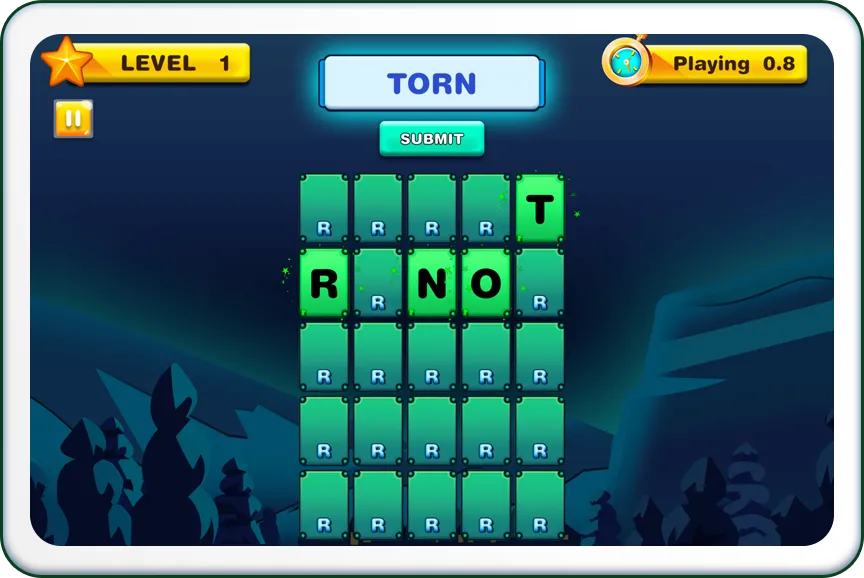
- If the formed word by the user is accurate, the grid will flash in green and a glow around the letter.
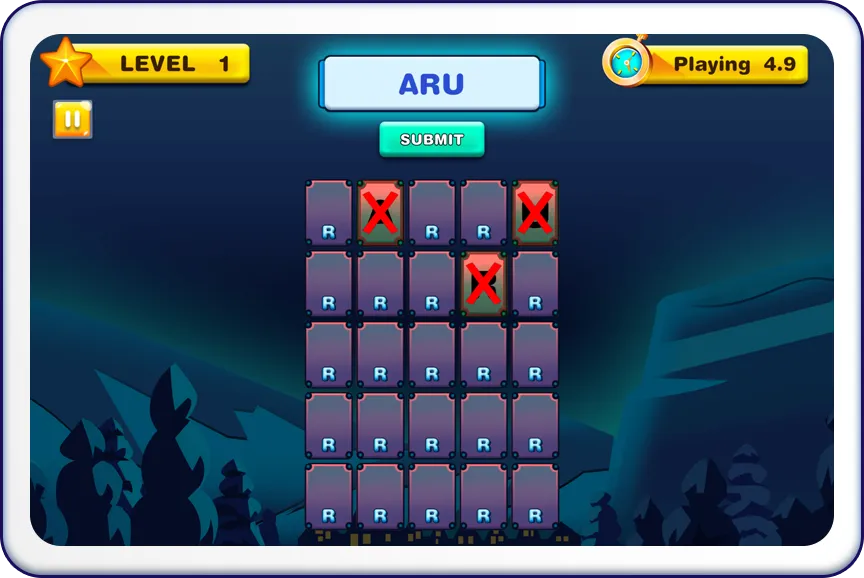
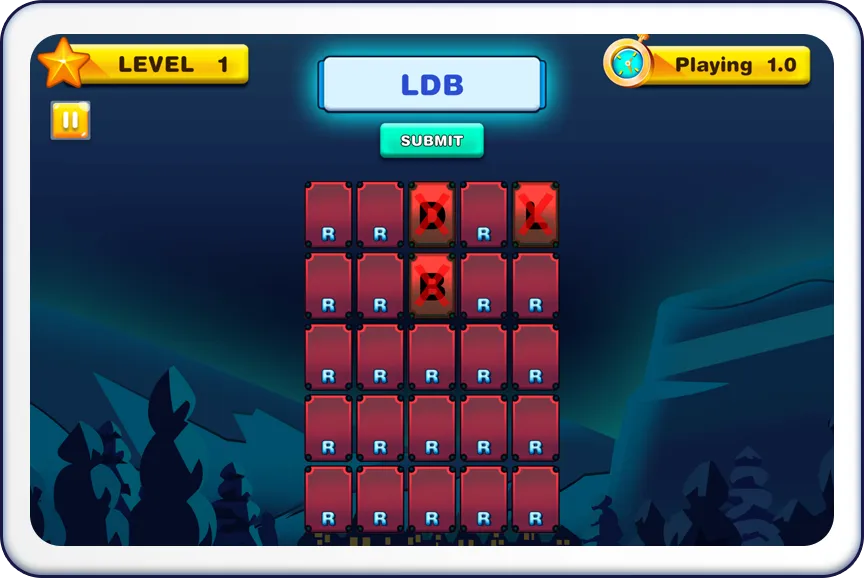
- In case of an incorrect word, the grid will blink in red, and the letters will be marked with an 'X'.


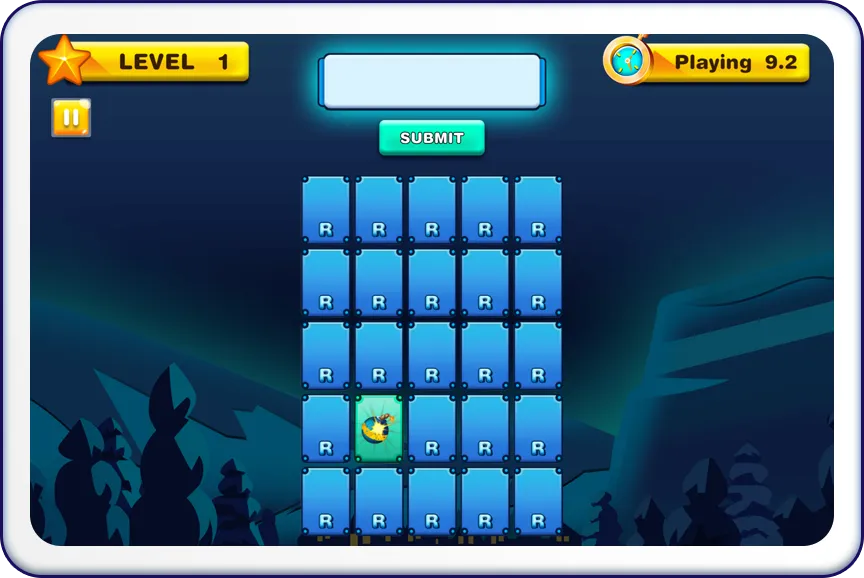
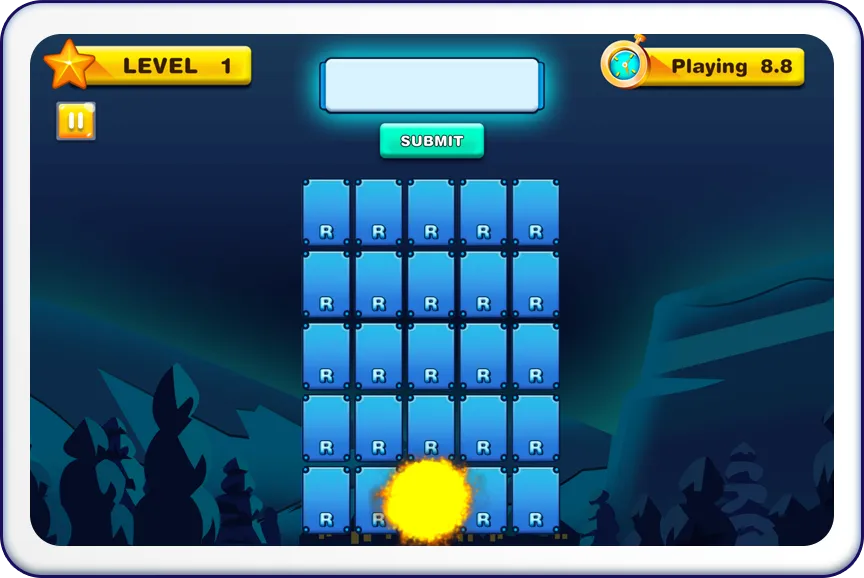
- Avoid tapping on bombs, as it results in an instant loss.

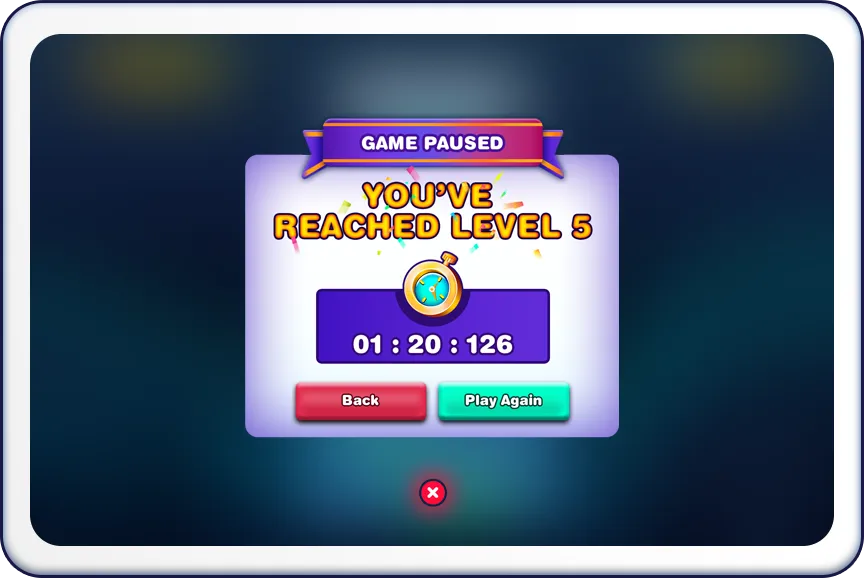
- The goal is to reach the highest level possible before running out of time. After finishing the game, you'll see a Game Summary. This includes an animated review of the level you reached, the time taken and an option to Play Again.
Expectations
-
 Memory & Word Skills
- WordR challenges players to exercise their memory and word-forming skills simultaneously.
-
 Time-Pressured Gameplay
- The game introduces a time limit, adding excitement and urgency to the word-forming challenge.
-
 Strategic Thinking
- Strategic thinking is crucial to memorize letters, form words, and progress through levels effectively.
-
 Fun & Engaging
- Players can expect a fun and engaging experience as they race against time to create words and avoid bombs.
Get ready for a letter-filled adventure in WordR! Memorize, tap, and create words to climb the levels. Can you reach the highest level without tapping on a bomb? Test your word skills now!
FAQs
-
Q: What is the minimum word length allowed?
-
Q: How are points awarded?
-
Q: Is there a time limit for the game?
-
Q: Can I de-select a letter after tapping it?
-
Q: What happens when I tap on a bomb?